News, guides, and analysis on digital privacy, encryption, and secure file management.
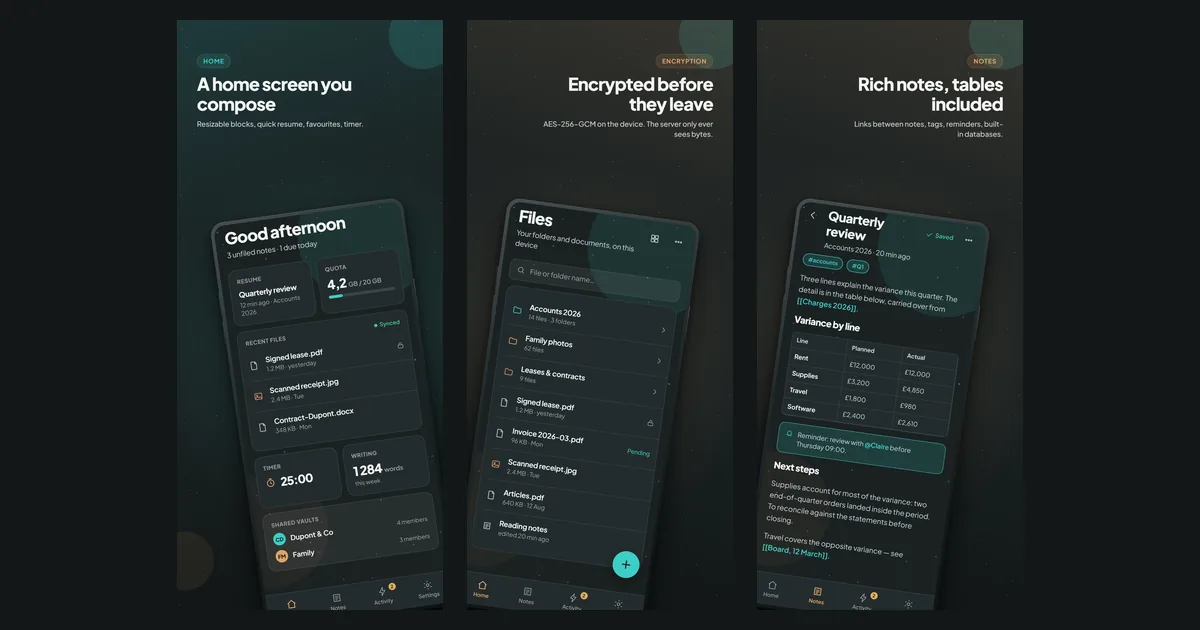
How to encrypt notes, documents and photos on Android so the server can’t read them: a step-by-step guide to Filarr, with screenshots.
Hosting data outside the EU is not automatically illegal under GDPR, but it is a regulated transfer. Here is the real risk, the CLOUD Act nuance, and how to limit it.
Three releases in one week: an Evernote-style Tasks tab, a page that files your documents for you, a Folders page, and a run of fixes against silent data loss. Then what is already on the web and coming to the desktop.
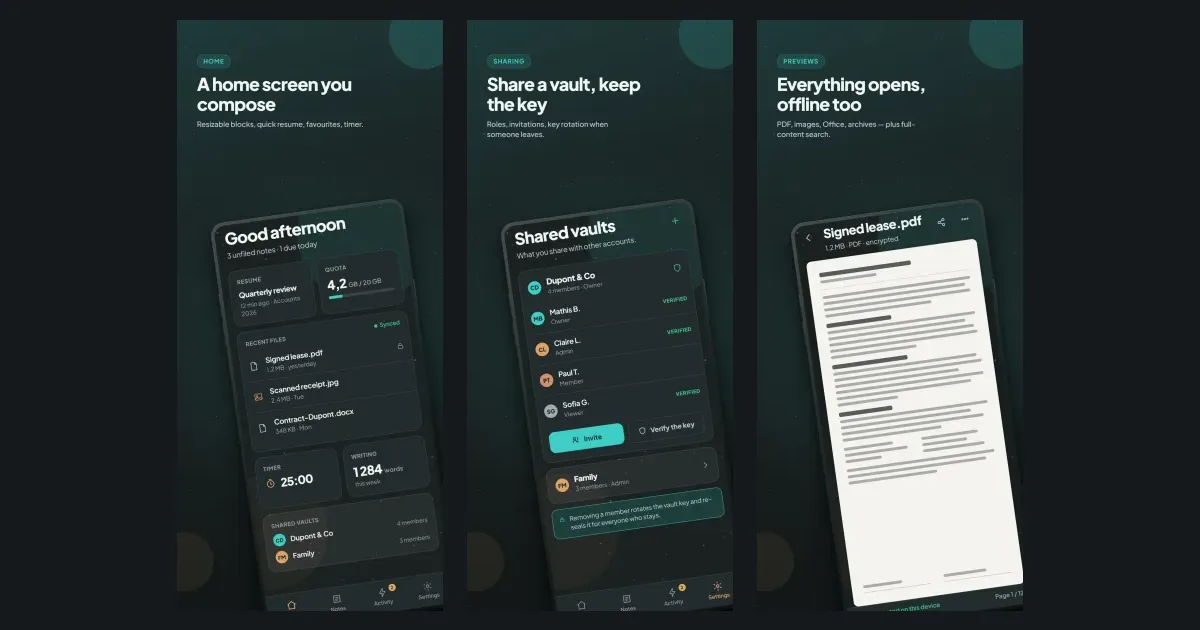
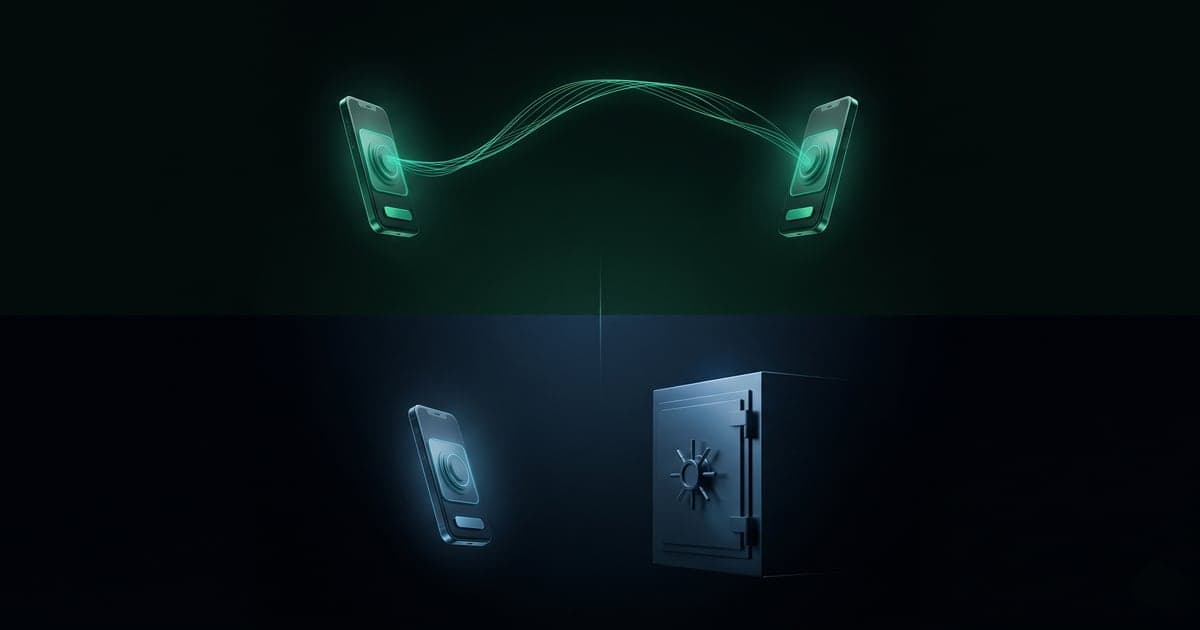
The Filarr Android app is available on Google Play. Three ways to start, the pairing that moves your key from one device to another without going through us, what the phone can do, what it cannot do yet, and what comes next.
Set up bring-your-own-storage (S3) sync in Filarr: prepare a bucket, add your provider, test the connection. Files are encrypted on your device before upload.
How freelancers and consultants can protect client data without an IT department: four high-leverage controls, GDPR basics, and honest tool trade-offs for 2026.
Learn how to connect notes, files and folders with wiki-links and use Filarr's graph view to find anything by following connections instead of digging through folders.
Is Proton Drive really zero-knowledge? Yes on file contents, names and folders, with honest caveats on metadata, browser trust and audits. Compared with Filarr.
Is WeTransfer encrypted? Yes in transit and at rest, but not end-to-end: WeTransfer holds the keys and can read your files. Here is what that means and how to send files safely.
Is iCloud Drive end-to-end encrypted? By default no, Apple holds the keys. Turn on Advanced Data Protection and it is. Here is the nuance that actually matters.
Is Obsidian Sync end-to-end encrypted? Yes, but only in transit and on the server. Your local vault stays plain text. Here is what it protects and what it does not.
Encrypted at rest, end-to-end, zero-knowledge: what's the real difference? What each protects against, what leaks in a breach, and how to tell them apart.
Build a second brain that keeps notes, files and a linking graph in one place: capture fast, link ideas, search inside PDFs, and find anything in seconds.
Where should therapists store patient notes under medical secrecy and GDPR? A practical, honest guide to encryption, HDS hosting, zero-knowledge storage and retention.
Back up encrypted notes without leaking them: use encrypted archives, zero-knowledge sync, and offline recovery keys so copies survive disaster but stay private.
Google Keep encrypts your notes but Google holds the keys and can read them. Here is Filarr, a local-first, zero-knowledge encrypted Google Keep alternative, compared honestly.
How accounting firms can store client documents and stay GDPR compliant: what Article 32 really requires, encryption vs zero-knowledge, retention, and a checklist.
This week on the Filarr mobile app: five sync fixes, two new permanent error states, a home screen that finally shows your real storage usage, and 3,326 tests green.
A long-form, honest founder's guide to encrypted Evernote alternatives in 2026...
Classic cloud vs local encryption: in a data breach, one leaks your readable documents, the other leaks unreadable noise. Here is exactly what changes and why.
Long-form honest guide separating two things people conflate about self-hosted Notion alternatives: owning the server versus the server being unable to read your data...
Filarr just passed 1,000 users. Next up: an encrypted mobile app in final testing, a web app, and a big desktop update, all within one to two months.
Is Notion encrypted? Yes at rest with AES-256, but not end-to-end, and Notion holds the keys. What that means for your privacy, and the zero-knowledge alternative.
The best encrypted note-taking apps in 2026 compared honestly: Standard Notes, Notesnook, Joplin, Obsidian, Anytype, Proton Docs, Cryptee and Filarr, by use case.
Stop spreading projects across five apps. See how to keep notes, tasks, and files together in one connected workspace, with checklists, links, tags, and fast search.
Move your Notion workspace to a private, encrypted local-first app without losing pages or attachments. Step-by-step export, import, and verification guide.
Notesnook vs Filarr compared: encryption, sync, pricing, mobile and open source. Which encrypted notes or workspace app fits your files, notes and privacy needs.
Tired of losing files across apps? See how Filarr keeps documents and notes in one place with links, tags, search and a graph view, so you find anything fast.
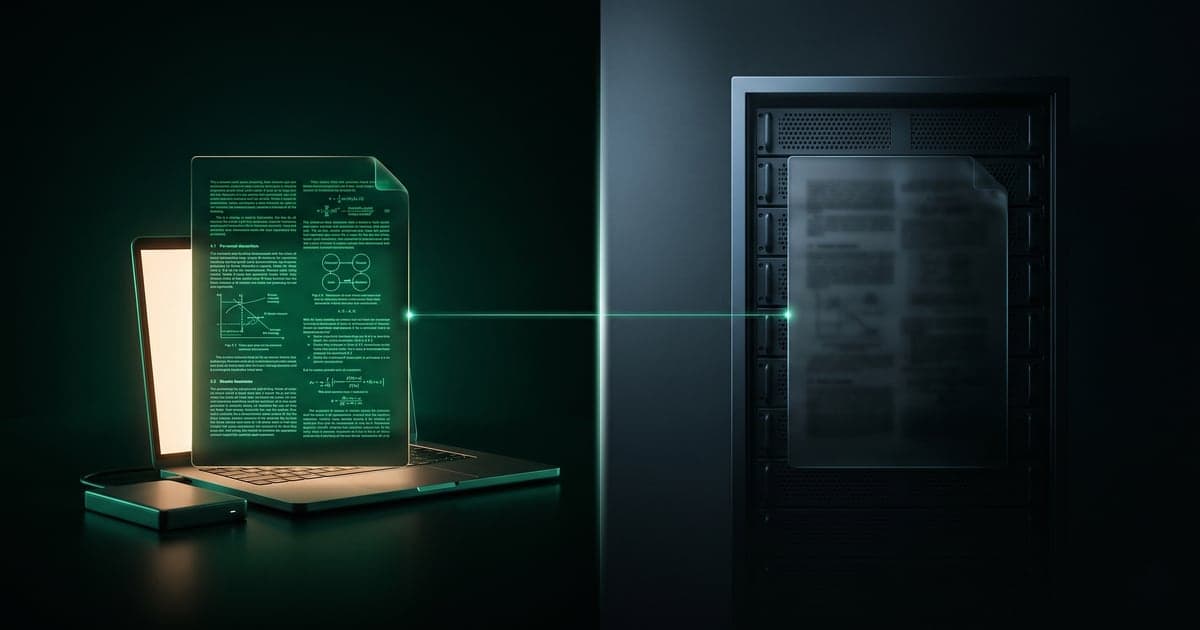
How Filarr's optional cloud sync stays zero-knowledge: files upload already-encrypted, the server stores only opaque blobs, and your key never reaches it in cleartext.
The best private, end-to-end encrypted Notion alternatives in 2026 compared honestly: Filarr, Standard Notes, Anytype, Notesnook, Joplin, Obsidian and Proton Docs.
A practical guide to encrypting your notes: threat models, full-disk vs client-side encryption, secure sync, recovery phrases, and honest tool trade-offs.
Keep your notes, files and projects in one workspace: link a PDF to a note, search inside documents, and find anything in seconds. Private by default, free for local use.
Joplin vs Filarr compared: opt-in E2EE Markdown notes vs encryption-by-default local-first workspace. Crypto, sync, recovery, pricing and licensing, honestly.
Anytype vs Filarr compared honestly: two local-first, end-to-end encrypted knowledge apps. Data model, encryption, sync, recovery, pricing and which to pick.
Proton Drive vs Filarr compared in depth: encrypted cloud storage vs a local-first encrypted workspace. Encryption, sync, recovery, pricing, and who should pick which.
Standard Notes vs Filarr compared in depth: encryption, threat models, sync, recovery, pricing and licensing of two honest encrypted notes approaches.
Filarr now lets you share any file as an encrypted link. The decryption key lives in the URL fragment — the part after the # that browsers never send to servers. Here's what just shipped, how the trick works, and what we actually see on the server (almost nothing).
A ranked list of the best local-first applications in 2026 — notes, files, knowledge management, project management, and team docs. Honest pros and cons, current pricing, and which app fits which workflow.
Obsidian and Filarr are both local-first note-taking apps, but they make different trade-offs. Encryption, plugins, sync, mobile, license — here's an honest, side-by-side comparison so you can pick the right one.
Notion stores your data on its servers and holds the encryption keys. Here are the credible privacy-first alternatives in 2026 — encrypted by default, local-first, or open source — with current pricing and a migration path for each.
KEK (Key Encryption Key) and FEK (File Encryption Key) form the two-layer key hierarchy used by serious encrypted apps — Signal, BitLocker, Apple's File Protection, Filarr. Here's what each one does, why one global key is dangerous, and what a correctly designed encryption layout looks like.
End-to-end encryption and zero-knowledge encryption are often used interchangeably, but they describe different things. Here's the precise difference, where they overlap, and which one to look for in your messaging app, password manager, and notes app.
Zero-knowledge encryption is the architecture where the service hosting your data cannot read it — even if it wants to, even if it's hacked, even if it's subpoenaed. Here's how it works in plain language, with diagrams.
AES-256-GCM is the authenticated encryption mode used by Signal, 1Password, WireGuard, and TLS. Here's what each part of the name means, why GCM beats CBC, and what to look for when a notes app claims AES-256 encryption.
Local-first software keeps your data on your device — not on someone else's server. Definition, the 7 properties from Ink & Switch, real examples, and which popular apps (Notion, Figma) are NOT local-first.
Filarr's desktop client is now published on GitHub under Business Source License 1.1. What this means, what stays closed, and why I chose this license.
Threat model, cryptography, Electron hardening, comparisons with Signal / 1Password / Obsidian, real-world CVE walk-throughs. The complete guide to everything protecting your data — including from the servers hosting it.
I wanted one app for my files, my notes, and my knowledge graph — encrypted by default, no cloud, no account. Nothing existed, so I built it.
Notes, files, graph view, canvas — all encrypted with AES-256-GCM, all on your machine. No cloud required. No account needed. Free.